
How do you build an AI agent?
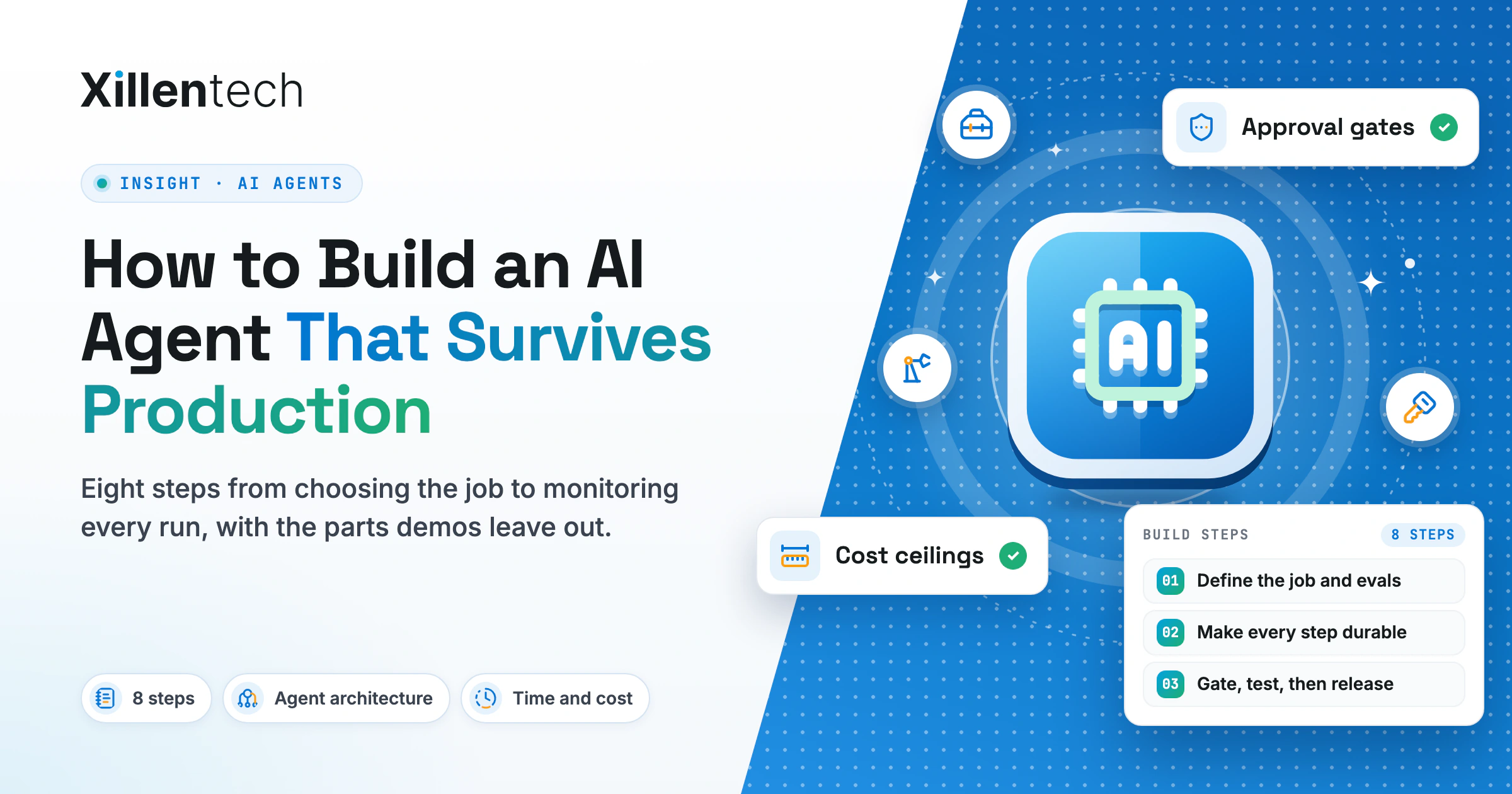
To build an AI agent that works in production: confirm the task needs an agent, define what a correct result looks like, choose the model, tools and memory, give each tool the least access it needs, make every step durable, add approval gates and cost limits, test against real failures, and release gradually while monitoring every run.
Most guides stop at the first half of that sentence: pick a model, write a prompt, connect some tools, and you have an agent that works in a demo. This guide covers the whole path, because the second half is where agent projects stall. Gartner predicts that over 40% of agentic AI projects will be canceled by the end of 2027, citing escalating costs, unclear business value and inadequate risk controls.
Step 1: Decide whether you need an agent at all
An agent decides its own next step. A workflow follows steps you defined. Anthropic's guide to building effective agents draws the same line and recommends finding the simplest solution possible, only adding complexity when it is needed, because autonomy brings higher costs and the potential for compounding errors.
Use a fixed workflow when the steps are known and stable: extract these fields, check them against this record, write the result. Use an agent when the path genuinely depends on what it finds along the way, such as investigating a support case across several systems. Many good "agents" are mostly workflow with one or two decisions handed to the model.
Step 2: Define the job and what a correct result looks like
Write down the inputs the agent receives, the actions it may take, and what "done" means for each case. Then collect a set of real examples with the correct outcome for each one. This set becomes your evaluation dataset, and building it first changes every later decision: you can compare models, prompts and tools against the same cases instead of against impressions.
Include the awkward cases from day one: incomplete inputs, conflicting records, requests the agent should refuse. An agent that only meets clean cases in testing meets the messy ones for the first time in production.
Step 3: Choose the AI agent architecture
A production agent needs more than a model. The parts we build into every agent are:
- Model and instructions. The model that reasons, and the instructions that define its role, limits and output format.
- Tools. The functions and APIs the agent can call. The Model Context Protocol is an open standard for connecting agents to tools and data.
- Memory. What the agent remembers within a task and across tasks, and where that state is stored.
- Planning and a loop limit. How the agent decides the next step, and a hard cap on how many steps it may take.
- Durable execution. A record of every completed step, so a crash resumes instead of restarting (step 5).
- Guardrails. Approval gates, cost ceilings and a circuit breaker (step 6).
- Evals and traces. Tests that gate every deploy, and run records you can read after the fact (steps 7 and 8).
Frameworks such as LangGraph, the OpenAI Agents SDK or CrewAI, and platform agents such as Salesforce Agentforce, provide some of these parts. None of them provides all of them by default, so check each part against the list rather than assuming the framework covers it.
Step 4: Give every tool the least access it needs
Each tool is a permission. An agent that only needs to read orders should not hold a key that can refund them. OWASP lists excessive agency among the top risks for LLM applications: an agent given more functionality, permissions or autonomy than its task requires. Scope each tool to the smallest set of records and actions the job needs, and use separate credentials for the agent so its actions can be traced and revoked.
Step 5: Make every step durable
Agents run long, multi-step jobs, and processes die: a deploy, a timeout, a machine restart. An agent that keeps its progress only in memory loses it, and the next run repeats tool calls that already succeeded, including the ones that cost money or changed a record.
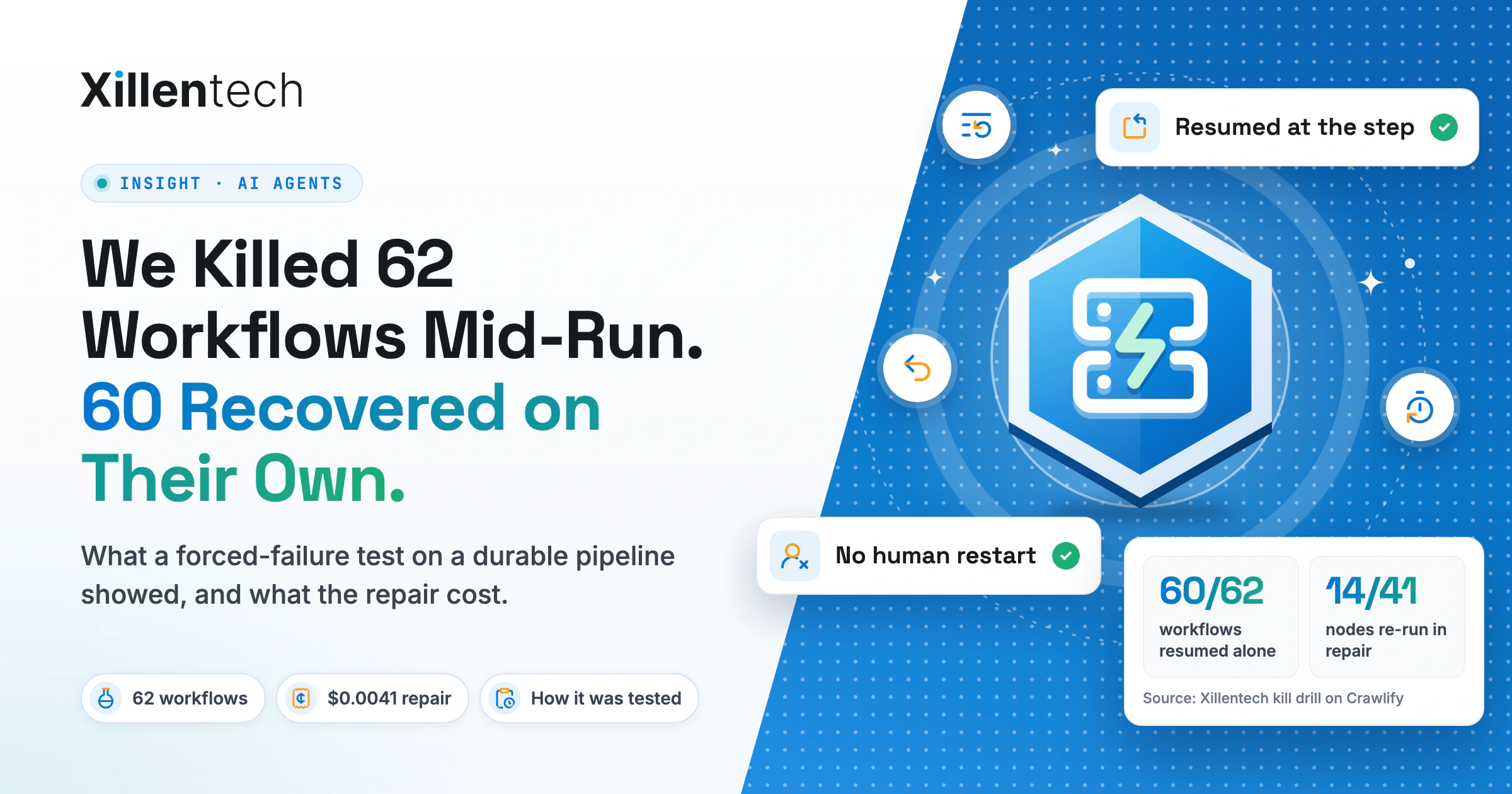
Durable execution fixes this by recording every completed step so the job resumes at the step that failed. We build it on Temporal; our Temporal vs Airflow vs LangGraph comparison covers how the main options differ. When we killed the worker in 62 durable workflows mid-run, 60 resumed on their own, and the targeted repair re-ran 14 of 41 nodes for $0.0041.
Step 6: Add approval gates, limits and a circuit breaker
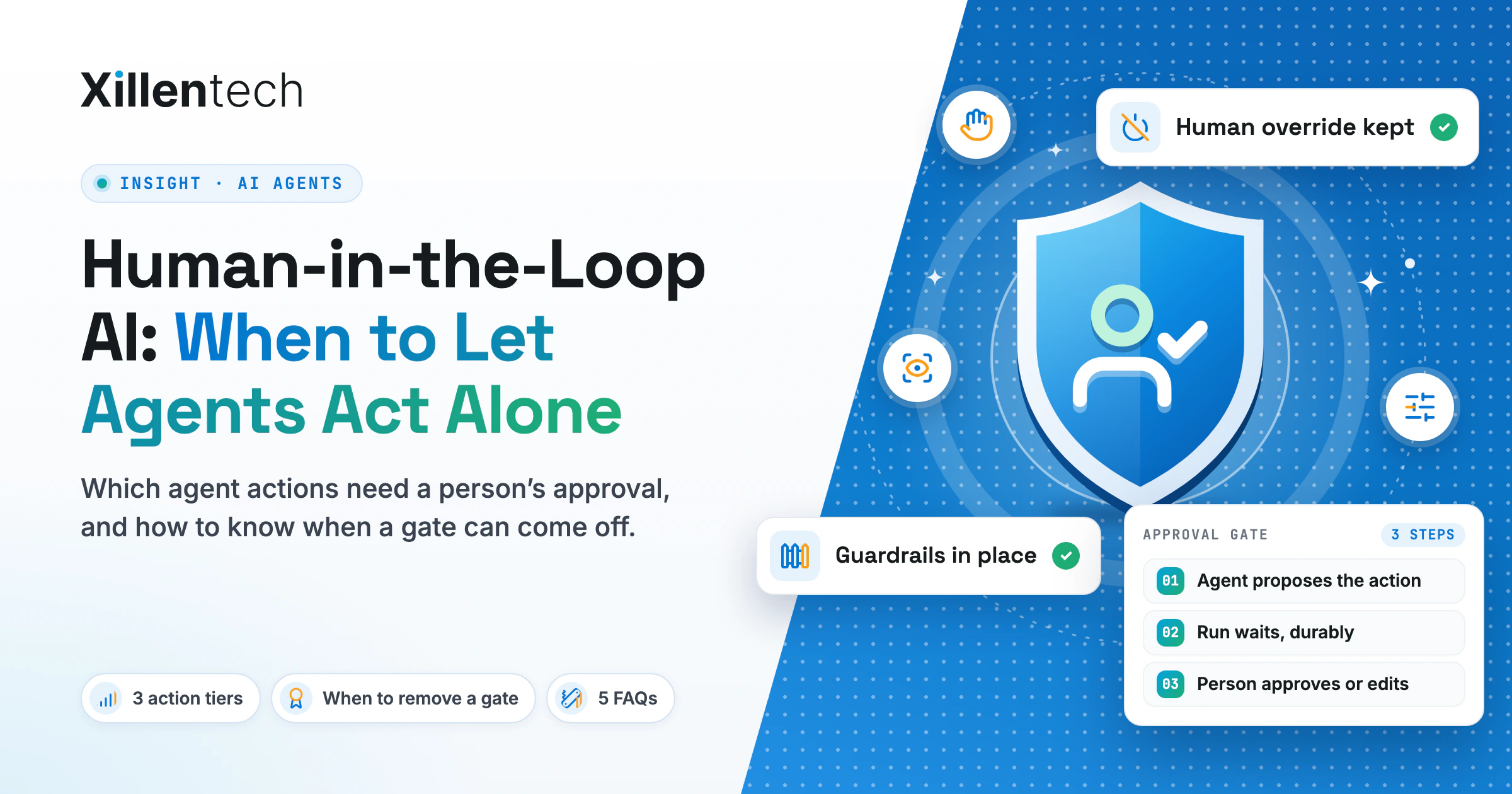
- Approval gates. Irreversible or high-stakes actions, such as refunds, customer emails, record changes and deploys, wait for a person to approve, edit or reject them. Our guide to human-in-the-loop AI covers which actions to gate and when a gate can come off.
- Iteration caps. A maximum number of steps per run. Anthropic's guidance recommends stopping conditions such as a maximum number of iterations to keep control.
- Cost ceilings. A hard limit on what one run may spend, enforced by the system rather than noticed on the invoice.
- A circuit breaker. A rule that stops the agent when it fails in a recognisable pattern, such as repeated errors or a spike in cost.
Step 7: Test it against real failures before launch
Run the agent against your evaluation dataset on every change, and block a deploy when the results drop. Then test the failures a demo never meets: kill it mid-job, change the model version, feed it stale data, and measure its worst-case cost per run rather than the average.
This is the step teams most often skip. In LangChain's State of Agent Engineering survey, quality was the top barrier to production, and far more teams had observability in place than had evals. Researchers studying agents in production (Measuring Agents in Production) also found reliability to be the top development challenge.
Step 8: Release gradually and monitor every run
Start with a small share of real traffic, or one team, with approval gates on. Compare its results with the evaluation set and with what people would have done. Widen the release only when the numbers hold. After launch, someone has to watch every run for failures, drift after model updates and cost, and fix what breaks. That ongoing work is what an AgentOps retainer covers.
How long it takes, and what it costs
A prototype can take days. A production agent with the parts above typically takes four to twelve weeks, depending on how many agents and integrations are involved, how much data cleanup the grounding needs, and how many actions need approval workflows. The cost to build follows that scope. The cost to run depends on the model, the number of steps per run and how often runs are repeated after failures, which is why durable execution and cost ceilings matter for the budget as much as for reliability.
If you would rather have it built, our AI agent development service builds these parts in from day one, at a fixed fee scoped before work starts.
Frequently Asked Questions
How do you build an AI agent step by step?
Start by confirming the task needs an agent rather than a fixed workflow. Define the inputs, allowed actions and correct outcomes, and build an evaluation set of real cases. Choose the model, tools and memory, and give each tool the least access it needs. Make every step durable so a crash resumes, add approval gates, iteration caps and cost ceilings, and test against forced failures as well as normal cases. Release to a small share of traffic first, then monitor every run.
What is AI agent architecture?
AI agent architecture is the set of parts around the model that let an agent act reliably. It includes the model and its instructions, the tools it can call, memory for state within and across tasks, a planning loop with a hard step limit, durable execution that records each completed step, guardrails such as approval gates and cost ceilings, and evals and traces for testing and debugging. The model is one part of it, and most production failures come from the other parts.
How long does it take to build an AI agent?
A working prototype can take a few days. A production agent usually takes four to twelve weeks. The range depends on how many agents and integrations are involved, how much data cleanup grounding needs, and how many actions need approval workflows. Most of the time goes into the parts that keep the agent working after launch: durable execution, scoped tools, guardrails, evaluation datasets and gradual release. Teams that skip them launch sooner but usually spend the saved time fixing production failures.
Which framework should I use to build an AI agent?
Choose the framework after you know the job and the parts it needs. Agent frameworks such as LangGraph, the OpenAI Agents SDK and CrewAI help with planning loops, tool calling and state. Platform agents such as Salesforce Agentforce fit when the work lives inside that platform. A durable execution engine such as Temporal handles crash recovery and long waits for approval. None of them covers every part by default, so check each one against the architecture list above before committing to it.
Why do AI agent projects fail?
Most fail after the demo, when the agent meets real traffic. Small error rates compound across many steps, a crash mid-job loses work, a model update changes answers without warning, the agent reads stale data, or its cost per run climbs. Gartner predicts that over 40% of agentic AI projects will be canceled by the end of 2027 because of escalating costs, unclear business value and inadequate risk controls. Building durability, guardrails and evals in from the start addresses most of these.